Front Desk Visitor Management: End the Paper Sign-In Log
Front desk visitor management replaces the paper sign-in log with secure digital check-in. Learn the risks of paper logs and how to modernize your lobby.
by Building Intelligence Team
2025-07-20

Front desk visitor management is the process of registering, verifying, and tracking every guest who enters your lobby, replacing the paper sign-in log with a secure digital record. For enterprise facilities, that clipboard at reception is the weakest link in your security posture. This guide explains what modern front desk visitor management involves, why paper logs create real risk, and how a digital system closes the gap. For the full evaluation framework, see our enterprise visitor management platform buying guide.
Request a demo to see how SV3 modernizes front desk check-in across your facilities.
Front desk visitor management is a digital system that handles guest check-in at a building's main entrance. It captures visitor details, verifies identity, notifies the host, and prints a badge in seconds. Unlike a paper logbook, it stores every arrival in a searchable, tamper-resistant record and can screen guests against watchlists. For enterprise sites, it connects the lobby to every other entry point, from the front desk to the loading dock, giving security teams one accurate log of who is on site at any moment.
What is front desk visitor management in a modern enterprise lobby?
In a modern lobby, front desk visitor management is far more than a greeting and a signature. It is a structured workflow that starts before a guest arrives and continues until they leave the building. The goal is simple: know exactly who is on site, why they are there, and who is responsible for them.
A modern system typically handles four things at the point of arrival:
Registration: The visitor enters their details on a kiosk or is checked in by a receptionist, often using a pre-registration record the host created in advance.
Verification: The system confirms identity, can scan a government ID, and screens the guest against internal or external watchlists.
Notification: The host is alerted automatically by email or text the moment their guest checks in.
Credentialing: A time-stamped visitor badge is printed, granting access only to approved areas for a set window.
For a large organization, the front desk is only the first checkpoint. A true enterprise approach extends the same discipline to contractors, vendors, and delivery drivers arriving at other entrances. That is why leading security teams treat the lobby as one part of a wider arrival strategy, an approach we cover in depth in our enterprise visitor management platform buying guide.
What are the security and compliance risks of paper sign-in logs?
The paper sign-in log feels harmless. In an enterprise setting, it is a liability. A clipboard cannot verify identity, cannot alert a host, and cannot tell you in an emergency who is still inside the building.
Here are the core risks a paper log introduces:
No identity verification: Anyone can write any name. There is no way to confirm a visitor is who they claim to be.
Exposed visitor data: Every guest can read the names, companies, and contact details of everyone before them, a privacy gap that undermines data-protection commitments.
No real-time record: During a fire or lockdown, a paper list is often out of date, illegible, or physically stuck at a desk no one can reach.
Weak audit trail: Illegible handwriting and missing sign-outs make it nearly impossible to prove who was on site for a compliance review or investigation.
No screening: A logbook cannot check a name against a watchlist or a banned-visitor list.
For facilities pursuing certifications such as SOC 2 Type II, a defensible, time-stamped record of every arrival is not optional. Auditors expect a reliable log, and a paper sheet rarely holds up. This is one of the clearest reasons enterprise teams retire the clipboard.
Is a paper sign-in log a compliance risk?
Yes. A paper log cannot guarantee an accurate, tamper-resistant record, cannot restrict who sees visitor data, and cannot produce a clean audit trail on demand. For organizations held to standards like SOC 2 Type II or federal facility guidelines, those gaps create real exposure. A digital front desk visitor management system resolves each one.
How does digital front desk visitor management work step by step?
Moving from paper to a digital front desk system follows a clear, repeatable flow. Here is what a modern check-in looks like from start to finish:
Step 1, Pre-registration: The host invites a guest in advance. The system emails the visitor a confirmation and, in many cases, a QR code for faster arrival.
Step 2, Arrival and check-in: The guest checks in at a self-service kiosk or with a receptionist, entering their details or scanning their invite.
Step 3, Identity and screening: The system verifies the visitor, can scan an ID, and screens the name against watchlists and internal deny lists.
Step 4, Agreements: If required, the guest signs an NDA or safety acknowledgment digitally, and the signed document is stored automatically.
Step 5, Host notification: The host receives an instant alert that their visitor has arrived.
Step 6, Badge and access: A time-limited badge prints, granting access only to approved zones for the duration of the visit.
Step 7, Check-out: When the visitor leaves, the system logs their departure, closing an accurate on-site record.
The result is a complete, searchable arrival record with no handwriting to decipher and no gaps to explain later. For a closer look at how the reception workflow changes, see our guide on transforming the receptionist and host workflow.
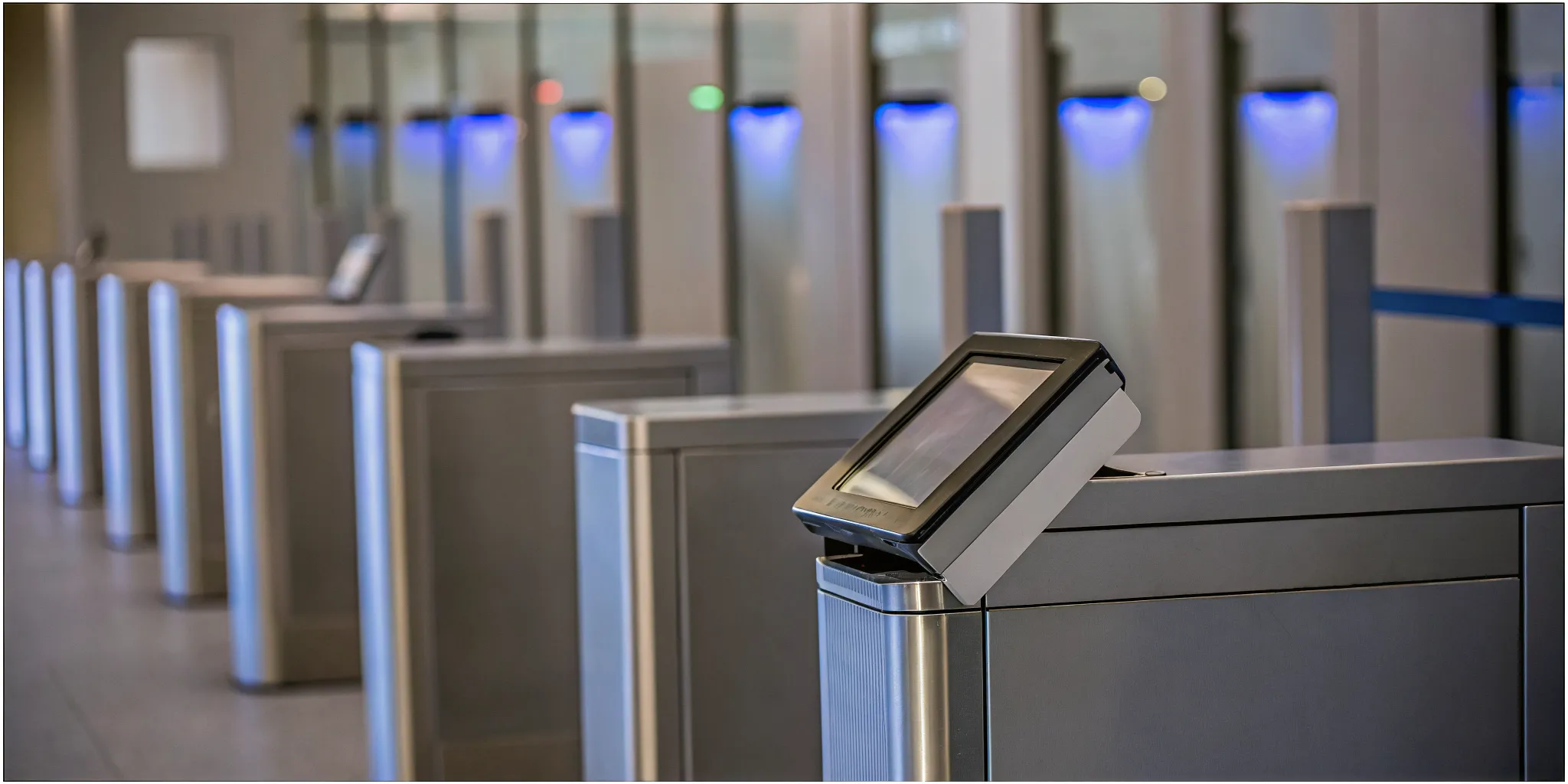
How does front desk VMS integrate with building access control?
A front desk visitor management system delivers the most value when it connects to your wider security stack rather than running in isolation. Integration turns a check-in tool into a control point.
Key integrations to look for include:
Access control: Issue temporary mobile or physical credentials that open only the doors a visitor is approved to use, then expire automatically at check-out.
Identity and directory systems: Sync with SSO and Active Directory so hosts and permissions stay accurate without manual upkeep. See how this works in our guide to SSO and Active Directory for visitor management.
Video and alarms: Tie check-in events to camera feeds so security can match a badge to a face at a glance.
Loading dock and vehicle systems: Extend the same visibility to deliveries and contractors, where a large share of breaches occur.
Research indicates that roughly 25% of security breaches happen at the loading dock, not the lobby. A unified platform closes that gap by managing front desk guests and dock arrivals in one system. We explore that specific vulnerability in our analysis of the loading dock security gap.
Should front desk visitor management connect to access control?
For enterprise facilities, yes. When visitor management and access control share data, a badge can grant precise, time-limited access and revoke it automatically at check-out. That eliminates the risk of a visitor pass working long after a guest has left, and it gives security one view of every credential in the building.
How SV3 transforms lobby check-in for enterprise facilities
SV3 by Building Intelligence is a unified arrival management platform that manages the full lifecycle of every visitor, vendor, and vehicle, from the lobby to the loading dock. It replaces the paper log with a secure, cloud-based record and connects the front desk to the rest of your security operation.
For enterprise lobbies, SV3 delivers:
Fast, secure check-in: Self-service kiosks and pre-registration move guests through the lobby quickly while capturing a verified record.
Automated screening: Watchlist and deny-list checks run at check-in, before a badge is ever issued.
One source of truth: Visitors, contractors, and deliveries live in a single, searchable log across every site.
Enterprise-grade assurance: SV3 is DHS SAFETY Act certified and SOC 2 Type II, giving security and compliance leaders a defensible audit trail.
These capabilities are why SV3 is trusted at some of the most demanding facilities in the country, including the World Trade Center, Hudson Yards, and venues operated by NFL and MLB teams. For a broader look at how SV3 secures every entry point, explore our enterprise management platform and security and compliance details.
Eliminating the paper sign-in log is the first step toward a lobby that is faster for guests, safer for your organization, and defensible under any audit. Request a demo to see how SV3 can modernize front desk visitor management across your facilities.
