Enterprise Visitor Management Platform Buying Guide
Request a demo and use this enterprise visitor management platform buying guide to compare capabilities, integrations, security, and total value.
by Building Intelligence Team
2025-06-25
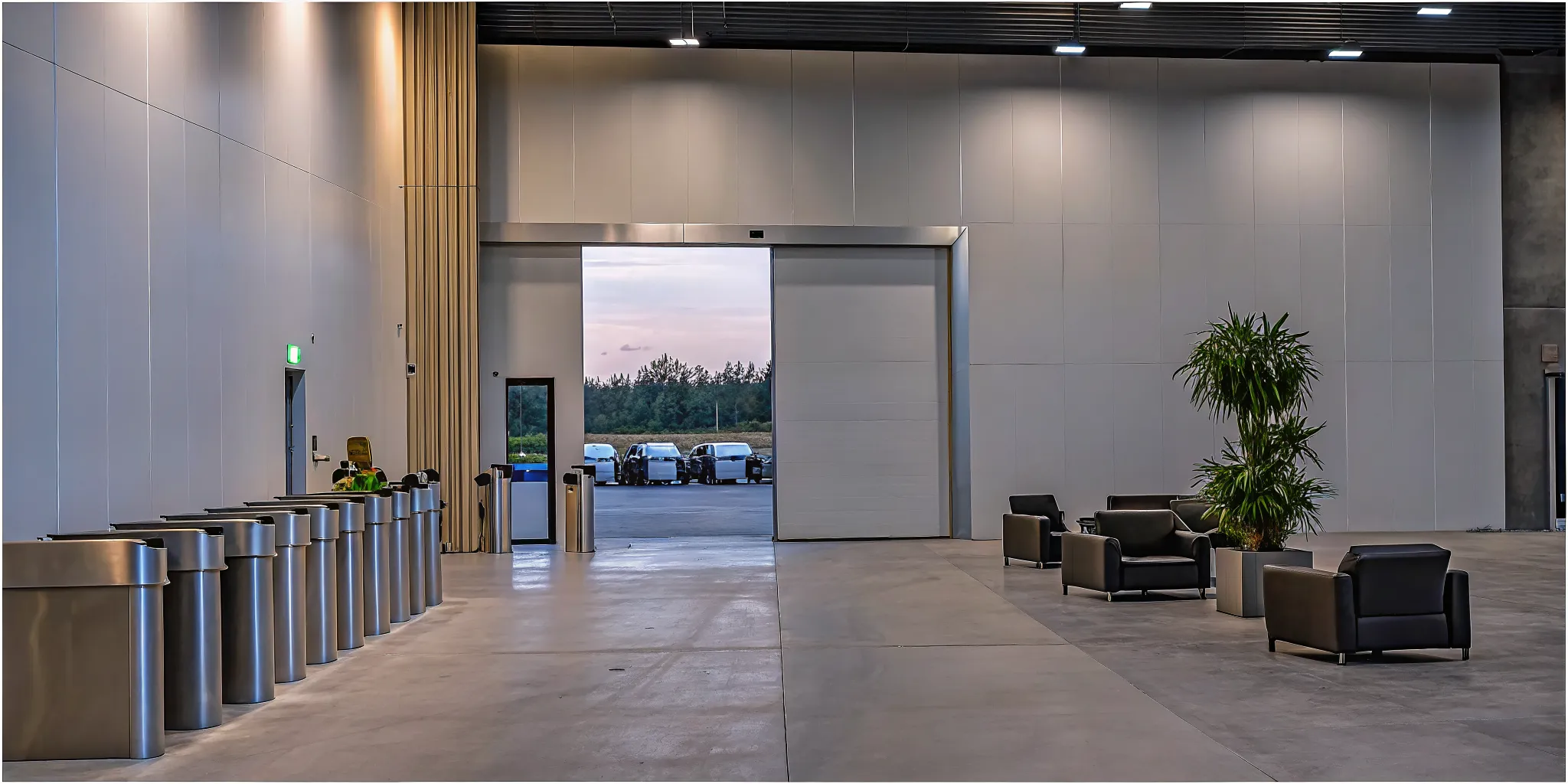
A single security breach at a loading dock can disrupt a whole company. An enterprise visitor management platform helps security and operations leaders secure every arrival point, not only the lobby. This guide explains how to evaluate a platform that covers the full arrival lifecycle.
An enterprise visitor management platform is a single security tool. It manages the arrival of people and vehicles at a site. Unlike basic guest books, these platforms combine visitor, vendor, and vehicle data. This creates one source of truth for security teams. This allows teams to keep clear records and meet high safety rules at all entry points. Per federal security guidelines, good access control must cover the whole entry process. This spans from the first gate to check-in for private spaces. By linking with current security systems, the platform closes gaps and helps stop unwanted guests. Security leaders use these tools to automate check-ins and check who is on site. They can manage busy spots like loading docks and parking lots from one place.
Choosing site security tools takes a clear view of what a large company needs. It helps to start by knowing the main goal and reach of these tools. To help you pick the best one, we will first define What is an enterprise visitor management platform? The path begins with
What is an enterprise visitor management platform?
An enterprise visitor management platform is more than a digital guest book. It is a full system that manages every person and vehicle that enters a building. These tools help security teams track visitors, vendors, and delivery trucks. Unlike basic apps, an enterprise platform links all entry points into one view. This view gives leaders a single source of truth for site safety.
Beyond the lobby: securing the full arrival lifecycle
Most people think of visitor management as a tablet at the front desk. But for large sites, the lobby is just one part of the story. A true enterprise visitor management platform covers the entire arrival path. This path starts at the gate and ends when a person leaves the site. It includes checking identity at the door and managing the flow of goods at the back of the house.
Securing the loading dock is a key part of this lifecycle. Research shows that about 25% of security breaches happen at the loading dock. A unified system like SV3 lets you manage lobby guests and delivery drivers in one place. By tracking all entry points, you close the gaps that point tools often miss. This approach follows best practices for facility access control that span from entry to exit.
Telling point tools apart from unified platforms
Point tools are built for one task, like printing badges. They are often cheap and easy to set up. But they do not talk to other systems. This creates data silos where security teams cannot see the full picture. An enterprise platform solves this by bringing all data together. It links your lobby, dock, and parking lot into a single grid.
This unity helps with core features of an enterprise visitor management platform like real-time alerts. When a high-risk visitor arrives, the system can notify security at once. It can also check names against watchlists to stop threats before they get inside. Having one system for all entry points makes it much harder for someone to enter without a permit.
Daily work flow and risk control
Managing a large building is hard work. You need to keep people moving without letting down your guard. An enterprise platform helps by making tasks faster. It can pre-register guests so they do not have to wait in line. It can also schedule dock times for trucks to stop traffic jams. These steps improve flow while keeping the site safe.
These systems also help with audits. They keep a clean log of who was on-site and when. This data is vital for rules like SOC 2 or HIPAA. A strong enterprise visitor management platform security plan protects your assets and your people. It gives you the proof you need to show that your building is secure.
Managing vendors and multi-site security
Enterprise tools also manage vendors who come to do work. These workers often need access to sensitive areas for hours or days. The system tracks their insurance and permits to ensure they are cleared to be there. This level of detail is a must for sectors like healthcare or manufacturing. In these fields, a single mistake at the door can lead to big fines or safety risks.
For firms with many sites, a unified platform is a must. It lets you set the same security rules for every building in your group. You can see data from a site in New York and a site in London on one screen. This makes it easy to spot trends or find risks across the whole firm. It also means you only have to learn one tool to manage all your doors.
Shared data also helps when you need to change a rule fast. If you need to block a person from all sites, you can do it with one click. This speed is vital during a threat. By using a cloud-based tool, your security team can stay in the loop from anywhere.
Essential enterprise visitor management platform capabilities
A top enterprise visitor management platform must do more than just print paper tags. It should work as the main hub for every person and vehicle that enters your site. When you look at different tools, find ones that handle the whole path of a guest. This starts with a focus on core tools for safety and speed. You want a system that makes the lobby move fast but also keeps out people who do not belong there.
Core sign-in and ID tools
The first thing to look for is how the tool handles guest sign-in. A good system lets hosts sign in guests before they even show up. It sends the visitor an email with a code or a link to use. This simple step cuts down on lobby wait times. It also makes sure you know who is coming and when. You can also use this time to send safety rules or legal forms to sign. Getting these tasks done early makes the front desk work much better.
ID checks are also key for high-safety sites. The system should scan a driver's license to prove the guest is who they say they are. This data should then link with real-time watchlists. If a person is on a list of barred visitors, the system will alert your team right away. These core features of an enterprise visitor management platform help stop risks before they step past the front door. They turn your lobby into a strong line of defense.
Workflows and clear logs
A strong system needs smart steps to manage how people move through your building. You should be able to set rules for different types of guests. For example, a VIP guest might need a different path than a repair person. The tool should send instant alerts to the host by text or email when their guest arrives. This keeps the lobby clear and ensures no one is left waiting for long. It also helps your staff stay on top of their day without having to check the front desk.
Logs and data tools are just as important for long-term safety. You need a full list of every person who has ever been on your site. This log must show when they got there, who they saw, and when they left. Automating access rights management helps your firm meet strict rules and lowers the chance of a breach. Clear data also helps you see trends. You can find out which times of day are the busiest. This lets you staff your front desk based on real facts rather than just a guess.
Unified control for sites and trucks
For firms with many offices, multi-site control is a must. You need to manage every site from one main place. This lets you set the same safety rules for every office you own. It also gives you a big-picture view of your whole firm. If a person is barred from one site, they should be barred from all sites at once. This level of control is key for keeping your brand and your people safe across the globe.
You also need to think about the loading dock and vehicle entries. These areas are often missed in basic safety plans. A unified tool should track trucks and vans just like it tracks people. It needs to check the driver's ID and look at their cargo before they enter. Best practices for facility access control show that safety should cover the whole entry path. This includes making sure you can track everyone during a crisis. A real-time list of who is on-site can save lives when every second counts.
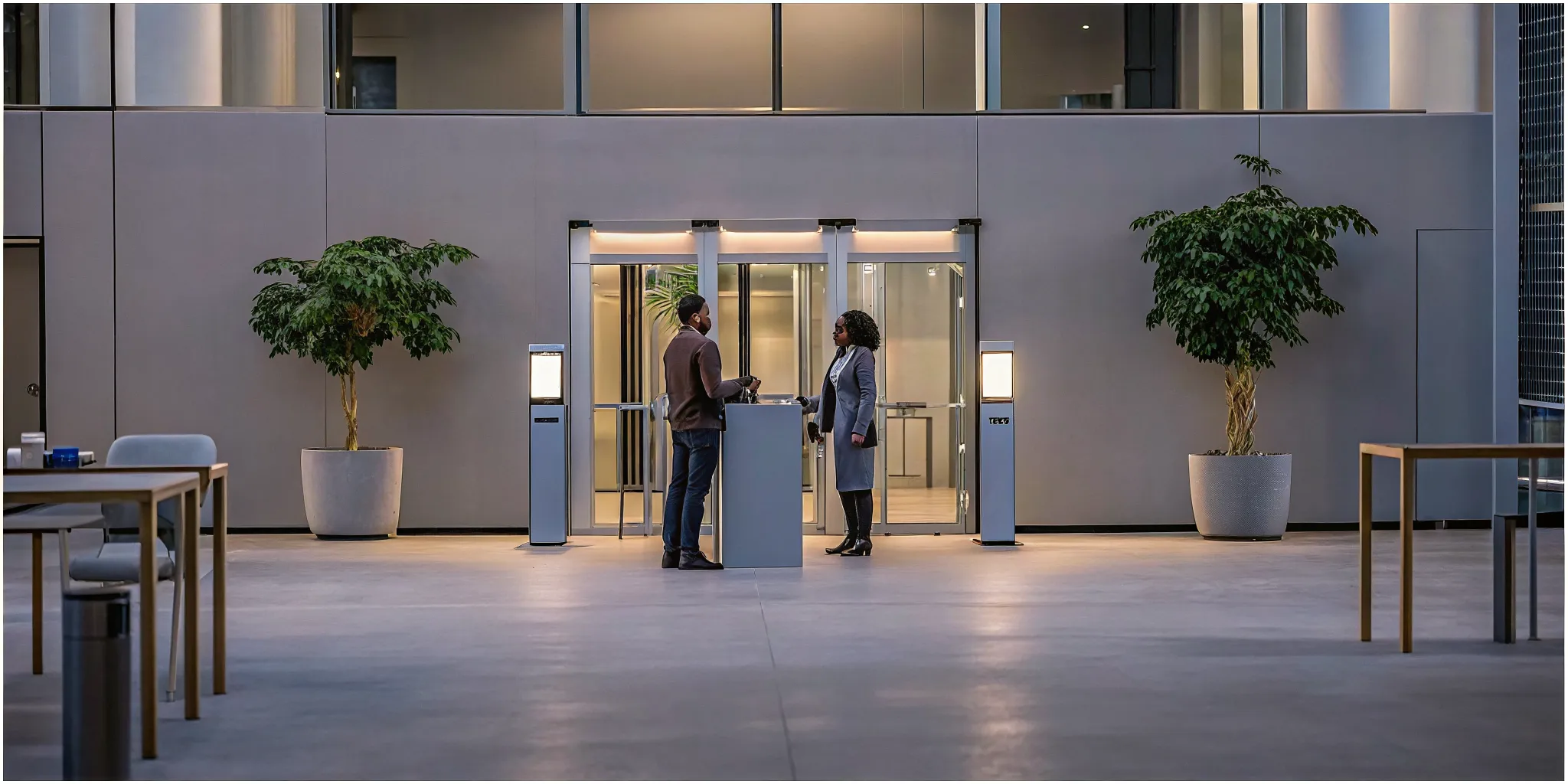
How should enterprises evaluate visitor management platforms?
Picking an enterprise visitor management platform is a big step for a large site. These tools do more than just sign in guests at the desk. They must handle many people and goods every day. A good choice will help keep your site safe while making work easier for your staff. You should look for a tool that covers all entry spots, from the lobby to the loading dock.
Safety leaders often see that basic tools fail on large sites. A big campus has many kinds of arrivals. You have VIP guests, trucks, and workers. Each group needs a different check. One platform makes it easy to see all guests in one place. This helps you find risks before they become real problems. It also keeps your data clean for later audits.
Map your site and entry spots
Start your search by looking at how people enter your space. Most people think only of the main lobby. But you must also watch your back doors and gates. The loading dock is often a weak spot in a building. Some data shows that about 25 percent of security breaches happen at the dock. You need a system that tracks trucks just as well as it tracks people.
Talk to the teams that work at these spots. Guards, desk staff, and dock workers all have different needs. A good system must help all of them do their jobs fast. If a tool is too hard to use, people will find ways around it. This creates gaps in your safety plan. Your goal is to find a platform that fits into your daily tasks without slowing you down.
Check security and legal rules
Your new system must meet high security standards. Look for tools that have enterprise visitor management platform security built in. This includes rules like SOC 2 Type II and HIPAA. These labels show that the company takes care of your data. For the best safety, look for a platform with a DHS SAFETY Act label. This can help lower your risk if a bad event occurs.
You should also follow rules from groups like CISA and NIST. The CISA best practices for access control give a good guide for large sites. They suggest looking at the full path for every guest. This starts when they arrive and ends when they leave. A good tool will help you follow these steps every time. It keeps a clear record for you to check if there is an issue later.
Define your arrival paths. List every way a person or truck can enter your site. Each path needs its own rules and steps.
List your technical needs. Write down what your IT and safety teams need. This might include cloud access or links to other software.
Run detailed demos. Look at how the software works in real life. Use your own test cases to see if it can handle daily tasks. Check if the screens are easy to use.
Start a pilot program. Pick one busy spot to test the system for a few weeks. This helps you find any bugs before you buy. Watch how both staff and guests react to the new steps.
Set up rules and roles. Decide who will run the system and who can see the data. Create a plan for training new staff. Make sure everyone knows their role.
Plan for a smooth rollout
The best software only works if your team uses it well. Proper training is key to a good launch. Start with a few key users who can help others learn. Use a unified access rights system to keep your rules the same at all spots. This helps you stay in line with laws and protects your data from leaks. It also makes it easier to change rules when your needs shift.
Good talk also helps a lot. Tell your staff and regular guests about the new steps before they start. Explain how the changes will make them safer. When people know why a change is happening, they are more likely to support it. This leads to a better experience for everyone who enters your building.
Finally, look for a partner, not just a vendor. A good company will help you grow. They should offer updates and help when you need it. As your needs change, your system should change too. A long-term plan will keep your site secure for years. This makes your choice a smart move for your future.

Basic sign-in tools vs enterprise arrival management
Many firms start with basic tools to track who comes into their building. These small tools might be simple tablet apps or even paper logs. While these work for a small office lobby, they often fail to meet the needs of a large company. An enterprise visitor management platform does more than just sign people in at the front desk. It creates a single system to track every person and vehicle that enters your site.
Gaps in basic tools
Basic tools often focus on just one task, like guest check-in. They lack the power to handle complex security needs or high-traffic areas. For instance, these tools rarely cover the loading dock, which is a big risk. A basic tool cannot help you manage vendor trucks or track deliveries at the same standard as lobby arrivals. This leaves a large gap in your total facility security plan.
Point solutions also create data silos. This means your lobby data does not talk to your dock data. Security staff must check many screens to see who is on site. This slow work makes it hard to find threats fast. Also, basic tools rarely grow with you. If you open a new site, you must set up a new system. This makes it hard to keep your security rules the same across all your buildings.
The enterprise arrival management difference
True arrival management goes far beyond the front door. It links your security team, front desk, and dock staff in one place. Using a unified system helps you follow best practices for facility access control from the first point of entry. It gives you a full audit trail for all movement. This is vital for meeting strict rules like SOC 2 or HIPAA. A unified platform makes sure your security rules stay the same across all your locations.
Feature | Basic Point Solution | Enterprise Arrival Platform |
|---|---|---|
Access Scope | Front lobby only | Lobby to loading dock |
Entry Types | Visitors and guests | Visitors, vendors, and vehicles |
Site Management | One site at a time | Centralized multi-site control |
Integrations | Few or none | Full ERP and access control links |
Compliance | Basic log history | SOC 2, HIPAA, and SAFETY Act |
Workflows | Manual check-in | Fast pre-sign-in |
Why seeing all data matters
When you use an enterprise visitor management platform, you get a single source of truth. You can see every vendor arrival and every guest check-in on one dashboard. This helps your team find security gaps that basic tools would miss. For example, you can track if a vendor is at the wrong dock or if a guest stays too long. Seeing all this data in one place helps you make better choices for your whole facility.
Choosing a unified system also helps you save time. It handles tasks like identity checks and badge printing. This lets your security staff focus on real threats instead of paper work. You can check the core features of an enterprise visitor management platform to see how it can help your firm. A large system grows with you, keeping your assets safe as your company expands.
Which integrations matter most?
A modern enterprise visitor management platform must do more than track names in a lobby. For large firms, the real power comes from how the system talks to other tools. When software works together, it creates a single view of security. This helps teams manage risks from the front desk to the loading dock. A joined system makes sure that every guest, vendor, and vehicle is known and checked.
Choosing the right links between systems is key to a safe building. Pro teams look for tools that fit into their current tech stack. This includes how users log in, how data is stored, and how the system grows. Solid links make the work of security teams much easier and more trustworthy. When tools talk to each other, the whole site stays safer and runs better.
Shared logins and access
The most vital link for any firm is with user ID sources. This often means syncing with tools like Azure AD or Okta. When these systems connect, it allows for Single Sign-On (SSO). This makes it easy for staff to log in using their usual work accounts. It also helps the IT team manage who has access to the site. If a worker leaves the firm, their access to the visitor system ends at the same time.
Door access systems are another top priority for a firm. The tool should talk to the hardware that locks and unlocks doors. This allows the system to give digital keys to guests or vendors for a short time. Setting up these access rights helps firms meet strict rules and lowers the risk of a breach. It ensures that only allowed people can enter secure parts of the building.
Firms also need to think about how they handle ID across the whole site. A good system will check names against watchlists in real time. This is a big part of enterprise visitor management platform security and lowering risk. By linking these lists, the system can flag a person before they reach the front door. This keeps the lobby safe and keeps staff out of harm's way.
Planners and mobile alerts
Staff members need a system that fits into their daily work. Most people use tools like Outlook or Gmail to plan their meetings. A visitor tool should sync with these planners. When a host sets up a meeting, the guest details should go right into the visitor system. This saves time and stops data entry errors. It also means the front desk is ready for every guest who shows up.
Mobile tools are also a big part of modern facility work. Security guards and floor managers need to see data on the go. Links with mobile apps allow for fast check-ins and quick alerts. If a high-risk visitor arrives, the team can get a push notice on their phone. This speed is vital for keeping a site safe and running well. It also helps with tracking arrivals at the loading dock, where teams move fast.
Good talk tools help keep everyone in the loop. The system can send texts or emails to hosts when their guest gets to the site. This removes the need for phone calls to the front desk. It creates a smoother path for the visitor and a better day for the staff. These small links add up to a much faster way to run a large facility. It makes the whole entry process feel top-tier and clean.
Safe data and site growth
Large firms have many rules about how they handle data. A visitor system must follow these rules to stay safe. It needs to work with data rules tools to keep info private. This is very important for firms in fields like health or finance. A system that can show clear audit trails for all entries is a must. It helps leaders prove that they are following safety laws and best practices.
APIs are also a key part of the technical check. A strong API lets the firm build its own custom links if they need to. This makes the system easier to change as the firm grows. The system must stay up and running at all times. If the visitor tool goes down, it can block the whole entry process and create a security gap. Growing the system across many sites should be simple and fast for any team.
System changes are the final piece of the puzzle. When a firm adds a new tool, it must be easy for the team to use. Good links help with this by using tools the staff already knows. Training takes less time when the software feels known. This leads to better use of the tool and a higher gain on the spend. In the end, the best links are the ones that make the site safer without making work harder.

How enterprise visitor management platform requirements change by facility type
Every site has its own set of rules and risks. A small office lobby does not need the same tools as a large hospital or a busy loading dock. To find the right enterprise visitor management platform, you must look at your exact site. The needs of a commercial building differ from those of a private campus or a factory. You must match your tools to the people and vehicles that come to your door each day.
An enterprise visitor management platform security plan starts by knowing who is on-site. While some sites focus on speed, others must focus on deep checks. High-risk sites might need to use random security screening to keep everyone safe. These choices depend on the type of work you do and the risks you face. A unified system lets you change your rules for each site while keeping all your data in one place.
Commercial real estate and corporate hubs
In commercial real estate, the main goal is to build trust with tenants. Building owners want to keep people safe while making sure the lobby runs well. You need a system that can handle many tenants at once. Each tenant may have their own rules for who can enter their space. A good system lets you set these rules for each floor. This keeps the whole building secure without slowing down the day and ensures a smooth visit for all.
Asset managers also care about legal risk and protecting their property. Using the right tools can help you meet the core features of an enterprise visitor management platform. Some systems hold DHS SAFETY Act status to help lower risk. This shows that the tech is tested and ready for threats. By choosing a system with this mark, owners show they take security seriously. It helps protect the building and the people inside from harm.
Healthcare and high-security industrial sites
Healthcare sites have strict rules for privacy and safety. Hospitals must follow HIPAA and other health laws to protect patients. You need a way to track everyone who enters, from guests to vendors. A system that can check vendor files is vital here. It ensures that only those with the right training enter labs or wards. Following escort procedures also keeps guests watched at all times. This helps keep patients safe and keeps your site in line with federal rules.
Industrial sites and factories face other risks. These sites often have busy loading docks where many trucks come and go. Data shows that the loading dock is an easy place for security gaps. In fact, about security gaps occur at these entry points. You need more than just a lobby tool to stay safe. A full system tracks both people and vehicles at the dock. This helps you find risks before they become big problems for your team or your goods.
Campuses and high-traffic event venues
Large campuses have many entry points and lots of traffic. These sites need a way to track people across many buildings. You can use a system that links with your HR tools. This creates a single source of truth for all access rights. Setting up auto access rights management helps reduce errors and lowers the chance of an attack. It also makes it easy to add or remove access as your team changes over time.
Event venues must handle thousands of guests in a short time. For these sites, speed is just as important as security. You need tools that allow for fast check-ins and mobile passes. Leveraging an enterprise visitor management platform like SV3 can help you move large crowds through your doors. A mobile system lets guests sign in before they arrive. This cuts down on lobby wait times and makes for a better visit for everyone who attends.
Security, compliance, and audit-readiness questions
Security and operations leaders must ask tough questions about their facility access tools. A strong enterprise visitor management platform does more than print badges. It must secure every entry point. This includes the lobby and the often ignored loading dock. You need a system that builds a clear audit trail for every person and vehicle that enters your site. This data helps you meet strict rules and keep people safe.
Safety and liability protection
Liability is a top concern for building owners and asset managers. You should ask if a vendor has tools to lower this risk. Building Intelligence offers the only cloud-based visitor and vehicle management system with DHS Qualified Anti-Terrorism Technology designation. This is known as the SAFETY Act designation. It helps protect your firm if a major event occurs. You should check if your current tool has these same verified claims.
Real-world safety also means having a plan for every visitor type. High-security sites may need to vet foreign nationals or run random checks. National guidelines from CISA suggest that access control must cover the full entry process. This starts at the perimeter and ends at the first point of authentication in a nonpublic space. A unified platform makes it easy to follow these best practices across all your locations. You can manage visitors at the front desk and trucks at the gate from one screen.
You should also look for a partner that helps with identity checks. Secure facilities must verify ID cards for everyone who walks in. The SV3 platform makes this fast and sure. It checks IDs and saves a record for your files. This step is a core part of any security plan. It ensures that you know exactly who is on your site at all times.
Data retention and compliance
Regulated fields like healthcare and manufacturing have high standards for data. You need to know how long your system keeps records and who can see them. Top systems use role-based controls to limit access to sensitive logs. This helps you stay in line with rules like HIPAA or SOC 2 Type II. Having these security records ready at any time makes audits fast and simple. You can show auditors that your data is safe and that only the right people can see it.
A good system also helps you manage risk at the loading dock. Research shows that security gaps happen at this entry point. You should ask if your platform can track vendor trucks and their drivers. This ensures you have a full record of every arrival. Centralizing this data removes gaps and gives your team a single source of truth for all arrivals. It links the driver to the load and the truck to the door.
Emergency response and audit readiness
When an event happens, you need facts fast. Your platform must give you real-time data on who is in the building. This includes visitors, vendors, and staff. An enterprise visitor management platform should allow you to revoke access rights in seconds if a threat is found. CISA notes that clear steps for removing access rights are key to a secure facility. These tools help you respond to threats and keep your site safe. You can clear a room or lock a door with a few clicks.
Audit readiness means being able to show your work. You need to prove that you verify IDs and follow escort rules. A unified system logs these steps for you. This makes it easy to show that you follow your own security plans. You can pull a report for any date or any visitor in seconds. By asking the right questions now, you can find a partner that supports your long-term security goals and protects your assets.
How to assess value and total cost
Choosing an enterprise visitor management platform requires looking beyond the initial software price. True value comes from how the system reduces risk and improves work across your whole site. You must think about long term gains in safety and speed while checking all hidden costs. A full review of value helps you find a tool that protects your assets and helps your team stay efficient.
Operational gains and risk visibility
One of the biggest wins of a unified tool is better visibility into who is on your site. Many firms lose money because of gaps at entry points they forget to track. For instance, the loading dock is a top spot for trouble. Research shows that security gaps occur at this location based on industry data. By using one tool for guests, vendors, and trucks, you close these gaps and stop issues before they start. This single source of truth makes it easier to run daily checks and spot risks quickly.
A good platform also saves time for your staff. When you use automated access systems, you meet compliance rules more easily and lower the harm from possible attacks. Instead of slow paper logs, your team can use digital tools to vet guests fast. This speed helps keep your front desk and dock moving without long waits. When you gain time and lower risk, the platform pays for itself over time by preventing costly theft or safety errors.
User adoption and rollout effort
The cost of a tool also depends on how hard it is for your team to use. If a system is too complex, people will find ways to skip it. This creates new risks and wastes your investment. You should look for a tool that offers clear steps for your staff and guests. Using standardized language and clear guides ensures everyone knows the right path to follow. Good training and a simple interface make for a fast rollout and high use across all sites.
You also need to think about the effort to set up and link the tool with your current gear. An enterprise visitor management platform like SV3 works best when it fits into your existing security world. Check if the tool needs new hardware or if it can use what you have now. A system that scales with your firm helps you grow without needing to buy a new tool every year. This modular approach lets you start small and add more parts as your needs change.
Governance and success criteria
To see if you are getting your money's worth, you must set clear goals for the new tool. These markers might include shorter wait times in the lobby or fewer manual data errors. Strong governance helps you keep the system safe and up to date. You should check if the tool meets top security standards like SOC 2 Type II or HIPAA to protect private data. Meeting these rules keeps your firm out of legal trouble and builds trust with your guests and staff.
Last, think about the support and long term care the tool will need. A good partner will help you with updates and any tech issues that pop up. This ongoing help is part of the total cost but is key for keeping your facility safe 24/7. When you weigh the full cost against the risk you remove and the speed you gain, you can make a smart choice for your firm's future. Focus on how a unified tool can secure your site from the front door all the way to the loading dock.
Frequently Asked Questions
How to choose the best visitor management system for a multi-site company?
Large firms need a tool that works across many sites at once. Look for a cloud system that lets you see all data in one spot. This helps you keep the same safety rules at every office or plant. Make sure the software can grow as your business grows. A single platform makes it easy for teams to track guests and trucks across the whole company from one screen.
What are the benefits of a cloud-based enterprise visitor management system?
Cloud tools offer real-time data and are easy to set up in new spots. You do not need to host the software on your own servers. This cuts IT costs and makes sure you always have the latest safety updates. According to Building Intelligence, these systems provide a single source of truth for all entries. This helps leaders manage risks and keep clear records across many sites in a simple way.
How does a visitor management platform handle loading dock security?
Many systems only look at the front lobby, but the loading dock is a major risk. Research shows that about 25 percent of security breaches happen at these entry points. An enterprise tool tracks every truck and driver that arrives. It checks their IDs and logs their entry and exit times. This helps security teams find and fix gaps in their site safety plan before a problem occurs.
Can enterprise visitor management systems help with federal security compliance?
Enterprise visitor management tools help sites follow strict federal safety rules. High-security spots often need to vet foreign guests or follow escort rules. A good system can automate these tasks by checking guests against watchlists. CISA guidelines note that access control must cover the full trip from arrival to the final exit. This keeps a solid record for safety reviews and compliance.
Are you ready to secure your site from the lobby to the dock?
Hand-made logs and small tools leave your site open to risks and slow your staff down each day. Each day you wait to update your tool is a day your team lacks key data to stop threats. Acting now will close safety gaps and give you total control of who is on your site. It saves time and stops errors before they lead to big costs for your firm. Start using a system that grows with your team and keeps your whole site safe at all times.
Ready to request a demo? Contact our experts to see how SV3 can protect your building and help you manage your entry points.
